




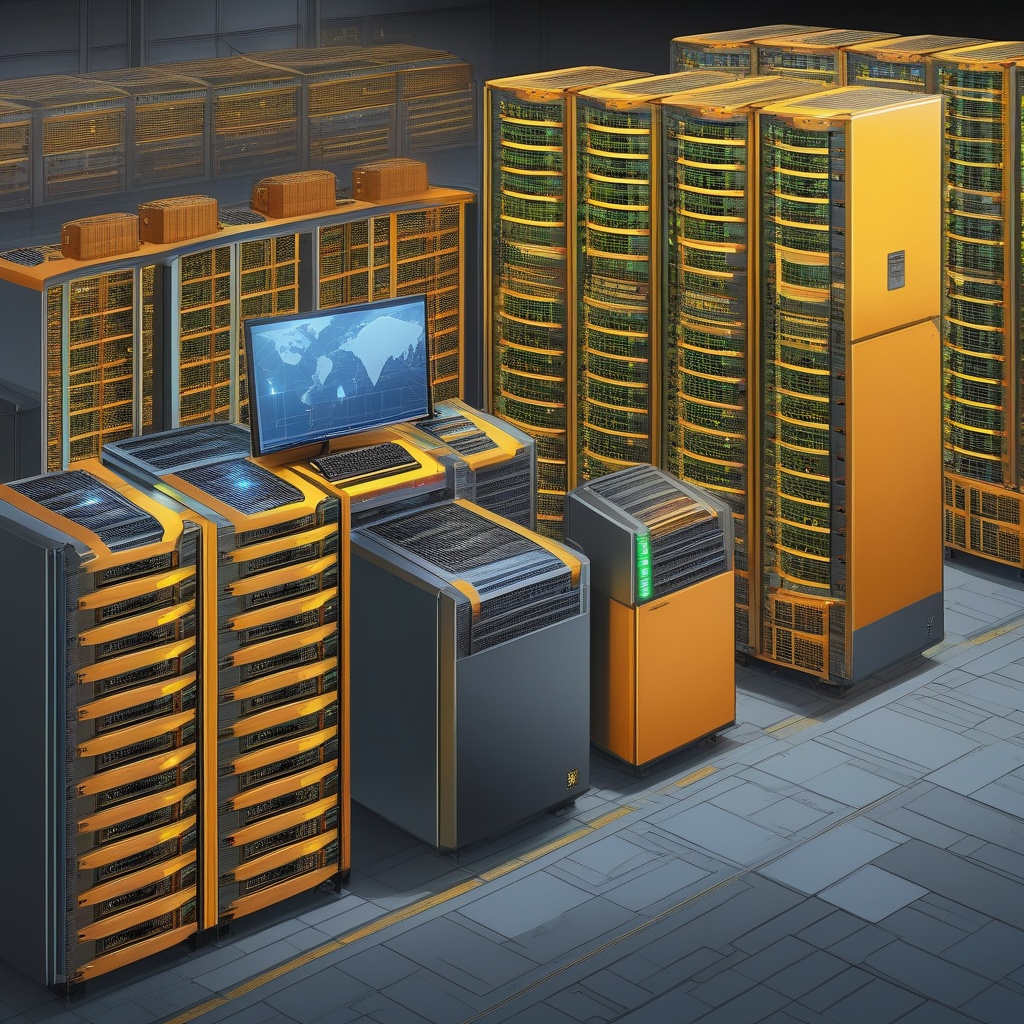
In this comprehensive guide, we'll delve deep into advanced RAID configurations for server storage, aiming to help you understand and deploy optimal storage strategies for your servers. For each RAID type, we'll consider its benefits, drawbacks, ideal use cases, and the necessary steps to set them up.
Understanding Basic RAID Configurations
RAIDar, navigate to the setup or configuration panel.
MDADM, select the drives to be included in the array.
Intel's Rapid Storage Technology, navigate to the configuration panel.
While RAID configurations can significantly improve data redundancy and performance, it's essential to note that RAID is not a backup solution. Regular data backups should be a part of your data security strategy.
This tutorial offers insights into the advanced RAID configurations used in server storage. However, the optimal RAID configuration varies depending on specific use cases and requirements. Therefore, it is advised to conduct thorough research before deciding on a particular RAID level.





No comments yet. Be the first to comment!